
What if the most powerful tech skill isn’t coding at all? Courtney Johnson makes the case for using AI to move the focus from technical skills to clear thinking and problem‑solving.
I deleted “VBA” from my resume with the urgency of someone removing an outdated credential, not because I was embarrassed, but because I could feel the world changing in real time.
VBA – Visual Basic for Applications – is a programming language for Microsoft products, used to create and run macros. I am proud of what I built with VBA. That script led to speaking engagements across three continents, and it helped establish my name in an industry that rarely associates “technical innovation” with Executive Assistants. It also earned me the cover story in Executive Support Magazine, and later the article was recognized as one of the Top 10 most-read pieces of the year.
Still, if someone tried to impress me today by announcing they are a VBA expert, my inner reaction would be immediate: “Oh wow, do you also know PaintShop, WordPerfect, and Dreamweaver?” Cringe. Not because VBA is worthless, but because the pace of AI has compressed the shelf life of technical bragging rights. What mattered yesterday can become a punchline tomorrow. The Assistants who recognize that reality quickly will thrive. The ones who resist it will find themselves trying to catch up to a moving train.
My VBA calendar audit solved a real problem in a constrained environment. I supported a Global CISO (Chief Information Security Officer) in a setting where security and compliance were absolute, and the typical plug-ins or calendar analytics tools were not an option. The script worked, and the impact was measurable. It surfaced recurring meetings that no longer served their purpose, highlighted patterns that drained executive time, and created a clean data set that enabled better decisions.
However, it also required too much from the user to scale. EAs had to enable developer settings, run macros, and follow a multi-step process that could take a significant amount of time, especially for those supporting multiple executives. More importantly, it did not guarantee the data would populate smoothly. One permissions prompt, one Outlook quirk, one error code, and the time-saving tool could become a troubleshooting session that demanded patience most people simply do not have.
That limitation is not a footnote. It is the lesson. A solution is only as strong as its adoption, and adoption lives or dies by friction. Most Executive Assistants are not unwilling to learn. They are unwilling to waste time.
That distinction matters when you are designing anything meant to be used by other people who are already carrying full workloads and high expectations.
This is where vibe coding enters the conversation, and why it matters to our profession. For years, we treated “technical skill” as a gate. You either had it or you did not. You could either write code or you needed to outsource the work to a developer. That mental model is breaking. The advantage is no longer the ability to write syntax from scratch. The advantage is the ability to translate a real operational need into a tool that works, and to do it quickly.
What Is Vibe Coding?
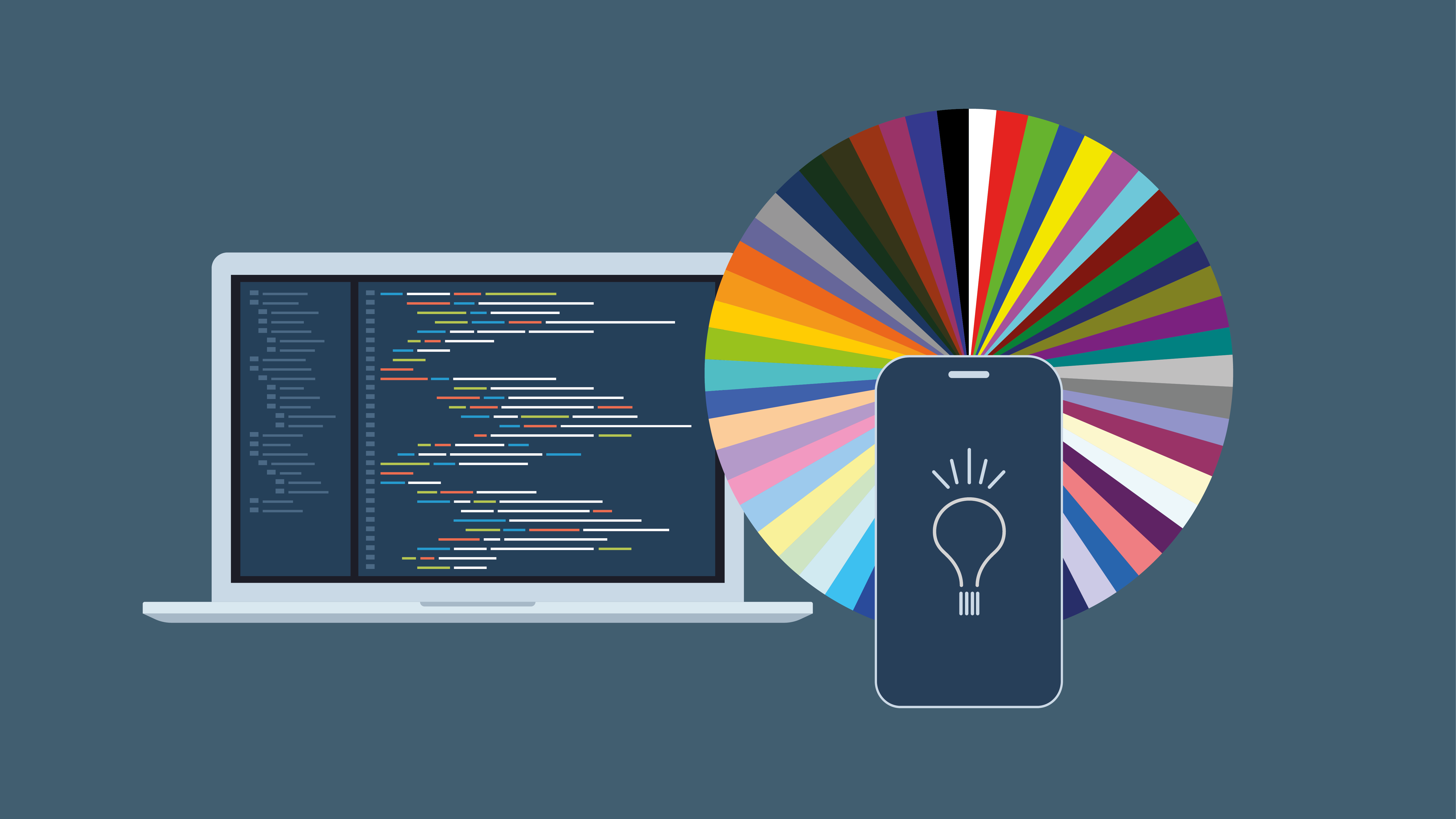
With vibe coding, you explain what you want, in natural language, to an AI tool. The tool handles the technical steps of building your vision. It shifts the focus from writing the code yourself to clearly defining the problem so that AI can create a simple, usable solution.
Claude Code Enters the Game
Claude Code, paired with a modern development workflow and supported by an AI tutor like ChatGPT, changed what I believed I could build and how fast I could build it. Not because it magically erased effort, but because it removed the old gatekeeping. Instead of starting with, “Can I code?”, the process began with a more powerful question: “What should exist that does not exist yet?” Vibe coding is not about becoming a developer. It is about becoming a builder. You articulate the outcome, you iterate, you test, and you refine, while AI handles much of the technical translation and troubleshooting that used to slow non-technical builders to a crawl.
The most significant change for me was not the ambition. It was the practicality. VBA often felt like building a powerful machine that only the creator could safely operate. Vibe coding shifted my focus toward usability, packaging, and adoption. Over the last year, I have built tools and prototypes tied to real EA pain points, including a charitable deductions calculator designed as a guided workflow rather than a fragile script. I also began productizing workflows into tools that are designed to be used by other EAs without a tutorial, without troubleshooting, and without needing to become “technical” to get results. That product mindset is the difference between a clever automation and something that can actually scale across a community.
There was, of course, a learning curve. I had to learn Visual Studio Code, GitHub, Vercel, deployments, build errors, and the basic structure of how modern projects are organized. That experience was occasionally frustrating, but it was also familiar in a way that surprised me.
Executive Assistants learn foreign systems for a living. We walk into new executive preferences, new tools, new processes, new acronyms, and new politics, and we become functional quickly because the role requires it. The difference now is that we have an always-on tutor. When I hit a wall, I copied the error message into ChatGPT and asked for an explanation in plain English, along with the next step. I treated AI the way I would treat a trusted technical colleague: specific questions, clear constraints, and consistent iteration.
This is an important point for EAs who assume they are “not technical.”
Vibe coding rewards skills we already have in abundance: clarity, systems thinking, judgment, and empathy for the user.
The hardest part is not getting AI to write code. The hardest part is knowing what to build, what to prioritize, and what will actually work in the messy reality of executive life. Executive Assistants understand workflow better than most people building software because we live inside the workflow. We know the friction points, the edge cases, and the moments where tools fail because Monday morning exists and people are tired.
Tools to Experiment with for Vibe Coding
If you are curious but unsure where to start, here are a few approachable options that map well to how EAs actually work:
Cursor
A code editor with AI built in, ideal if you want the AI to help write and refactor code inside a project. Great for “build me a simple tool” and “fix this error” workflows.
Lovable
A friendly on-ramp for turning an idea into a clickable prototype quickly. This is a good choice if you want fast momentum and a low-friction start.
Claude Code
Excellent for deeper build work, especially when you want to generate files, structure a project, and iterate in a more engineering-like way, without needing to be an engineer.
ChatGPT
The best all-purpose tutor and translator. Use it to define requirements, plan the workflow, troubleshoot errors, and pressure-test the tool from the perspective of a busy user.
Replit
Useful when you want a simple build-and-run experience in the browser without heavy setup. It is a practical sandbox for experimentation.
You do not need to pick the perfect tool. Pick the one that helps you move from idea to first version without quitting. Momentum matters more than purity in the beginning.
How to Start Vibe Coding as an Executive Assistant
If you want to begin, you do not need a grand idea. You need a repeatable pain point and a willingness to build a first version that is imperfect.
Start by choosing one task you do repeatedly and resent every time. If it happens weekly or monthly, it is a candidate. Then write a simple user story: “I want a tool that takes X input and produces Y output so that my executive can make Z decision faster.” This single sentence will become the backbone of what you build.
Next, define what “easy” means for the user. Many tools fail because the builder designs for themselves. Design for the most time-starved EA you know. Specify the number of clicks you want. Specify what should happen when a user makes a mistake. Specify the exact format of the output. Then ask AI to propose a first version, including the workflow, the structure, and the user-facing steps. Do not accept the first output as final. Test it quickly, break it intentionally, and tell AI what happened. Iteration is the advantage here. You are not trying to create perfection. You are trying to create momentum.
Finally, remember the adoption lesson from my VBA era: a tool that requires troubleshooting will not scale. If your solution depends on users enabling developer settings, running scripts, or interpreting errors, adoption will stay limited. The most valuable tools are the ones that feel easy, consistent, and reliable for someone who does not want to become technical just to get the result.
Small Examples That Build Confidence Without Overwhelming You
If “build an app” sounds like too much, start with a tiny win that removes friction from your own week. The goal is to prove to yourself that you can go from idea to output quickly.
Start small
Ask for an executive-facing dashboard for something you already track or turn a recurring request into a reusable workflow.
Take a spreadsheet you already maintain, such as recruiting pipelines, vendor renewals, meeting volume, or travel. Ask your AI tool to help you create a simple dashboard that answers three questions your executive asks repeatedly, such as “What is overdue?”, “What changed since last week?”, and “Where are the risks?” You are practicing the core skill of vibe coding: translating a vague need into a clear output.
If you write the same weekly update, the same meeting prep template, or the same status email over and over, ask AI to help you standardize it. The goal is not to build something impressive. The goal is to stop recreating work.
Go bigger
Turn your idea into an app, but do it like an EA.
This is where most people overthink it. You do not need a perfect plan. You need a clear outcome and one primary user. Tell your AI tool: “I want to build an app that does X. The user should be able to do A, then B, then C. The output should look like Y. Make it simple for someone who is busy.” That is enough to get a first version.
All you need is an idea. The tool can be taught. The steps can be learned. Confidence comes from shipping something small and then improving it.
Reality Check
I wish more people would say this plainly: embrace AI; you cannot afford to be reluctant and get in late.
AI not a trend. It is a shift in how work is produced, how output is evaluated, and how candidates compete.
If you wait too long, you will drown in workload because your AI-powered peers will automate what still takes you hours. You will drown in expectations because “fast” and “high-quality” are being redefined in real time. And you will lose out on jobs to candidates who embraced AI earlier, not necessarily because they are smarter, but because they are operating with leverage.
I am proud of the VBA chapter. I am also grateful I did not stop there. The most important lesson from the last year is not that I learned a programming language. It is that I learned to adapt faster than the tools around me changed. That is the real competitive advantage now. If you can explain the problem, you can build the solution. The only requirement is that you start.